Without an organised stock management process, supermarkets can experience empty shelves, excess inventory, expired products and unnecessary purchasing costs. These issues affect customer satisfaction and can tie up working capital.
A practical supermarket inventory management system helps businesses understand which products sell quickly, which move slowly and when replenishment is needed.
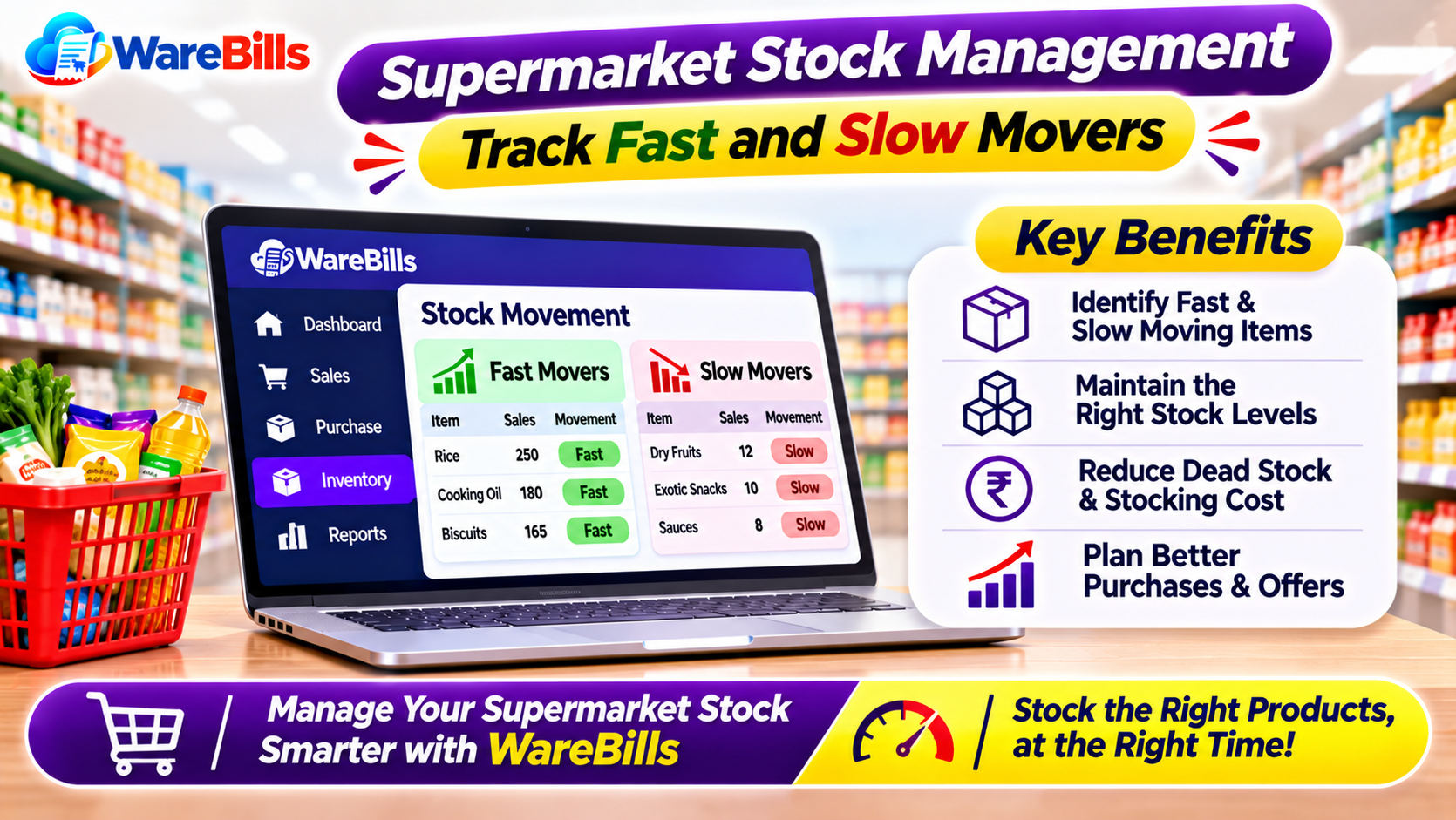
1. Understand Fast-Moving and Slow-Moving Products
Products can be grouped according to how quickly they sell and how frequently they need replenishment.
Fast-moving products sell frequently and usually require closer monitoring. Examples may include milk, bread, rice, cooking oil and other everyday essentials, depending on the store's customers.
Slow-moving products sell less frequently or remain in storage or on shelves for longer periods. These may include specialised ingredients, seasonal products or less popular brands.
The classification depends on the supermarket's location, customer preferences, pricing and season. A product that moves quickly in one shop may sell slowly in another.
2. Use Sales Data to Identify Product Movement
Avoid relying only on assumptions or staff observations to decide which products are popular. Review sales records to identify actual movement patterns.
Useful indicators include:
- Units sold: The number of units sold during a selected period.
- Sales frequency: How often a product is purchased.
- Days of inventory: An estimate of how long current stock may last at the recent sales rate.
- Stockout frequency: How often a product becomes unavailable.
- Expiry risk: Whether a product may expire before it sells.
For example, if a supermarket sells approximately 20 units of a product per day and has 60 units available, its stock represents roughly three days of sales at that rate. Actual demand may vary, so replenishment decisions should also consider supplier lead time and demand fluctuations.
3. Set Reorder Levels for Essential Products
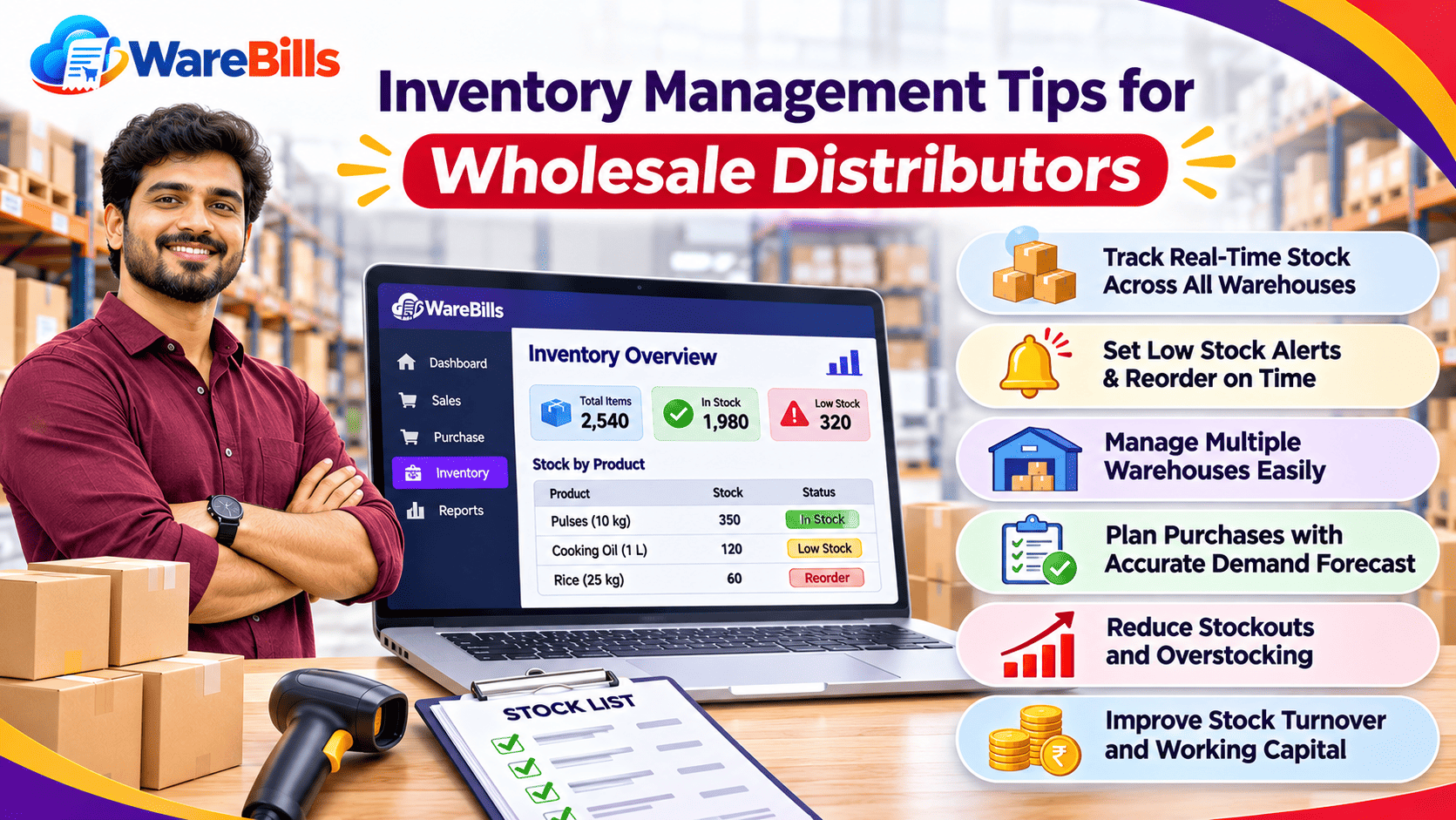
Fast-moving products need regular monitoring to avoid stockouts. A reorder point helps the supermarket decide when to purchase more stock.
A simple formula is:
Reorder Point = Average Daily Sales × Supplier Lead Time + Safety Stock
For example:
- Average daily sales: 15 units
- Supplier lead time: 4 days
- Safety stock: 20 units
Reorder point = (15 × 4) + 20 = 80 units
When available stock reaches around 80 units, the supermarket should review whether a replenishment order is needed.
This is a planning example, not a universal rule. Adjust the calculation for seasonal demand, supplier reliability, shelf life and storage capacity.
4. Prevent Expiry and Wastage
Expiry management is especially important for dairy products, packaged foods, beverages and other items with limited shelf lives.
Use these practices:
- Check expiry dates when receiving stock.
- Store products according to their handling requirements.
- Place products with earlier expiry dates where staff can pick them first.
- Review near-expiry stock regularly.
- Follow applicable food safety requirements when handling expired or damaged products.
- Investigate recurring wastage to improve future purchasing decisions.
The First Expiry, First Out (FEFO) approach prioritises products with the earliest expiry dates. For products without expiry considerations, First In, First Out (FIFO) can help rotate older stock first.
5. Avoid Overstocking Slow-Moving Products
Buying large quantities can sometimes reduce the purchase price per unit, but excess inventory can also increase storage costs, tie up cash and create expiry or markdown risks.
Before placing a purchase order, review:
- Recent sales history.
- Current available stock.
- Pending purchase orders.
- Supplier minimum order quantities.
- Shelf life and storage requirements.
- Seasonal demand and upcoming promotions.
For products that consistently sell slowly, consider smaller order quantities, targeted promotions or adjustments to the product range. Avoid reordering simply because a product was purchased in large quantities previously.
6. Organise Stock by Product Category
A clear inventory structure helps staff locate products and monitor stock more efficiently.
Supermarkets can group products into categories such as:
- Grocery and staples.
- Dairy and chilled products.
- Beverages.
- Personal care.
- Cleaning and household supplies.
- Packaged snacks.
- Seasonal products.
Within each category, maintain clear product names, units of measurement, product codes and purchase details. Ensure that the same product is not accidentally entered under multiple names.
For larger stores, shelf or storage-location labels can also make physical stock checks easier.
7. Conduct Regular Stock Counts
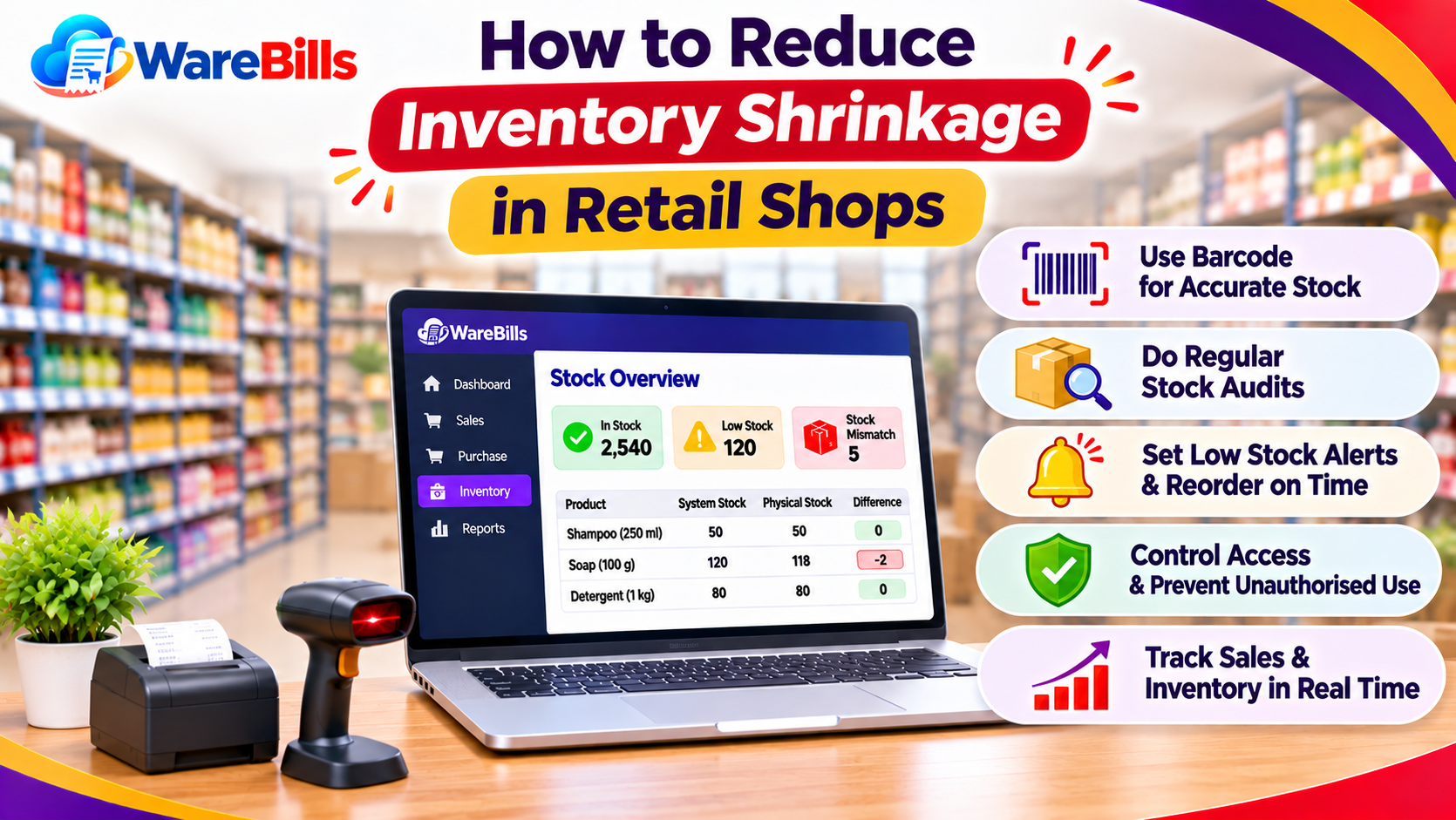
Recorded inventory can differ from physical stock because of damage, wastage, theft, incorrect billing, receiving mistakes or unrecorded adjustments.
A practical stock verification routine should include:
- Frequent checks for high-value and fast-moving products.
- Regular expiry checks for perishable items.
- Rotating counts for other product categories.
- Investigation of repeated stock discrepancies.
- Proper documentation of approved stock adjustments.
When a discrepancy occurs, identify its cause instead of only correcting the quantity. This helps prevent the same problem from happening repeatedly.
8. Use Inventory Software to Improve Stock Visibility
As product counts increase, managing supermarket inventory manually becomes more challenging. Billing and inventory software may help centralise sales records, stock movements and purchasing information, depending on the features available.
Before choosing a solution, check whether it supports your requirements for:
- Product-wise stock tracking.
- Purchase and sales records.
- Stock adjustments and returns.
- Reorder monitoring or low-stock reporting.
- Expiry tracking, if required.
- Useful inventory and sales reports.
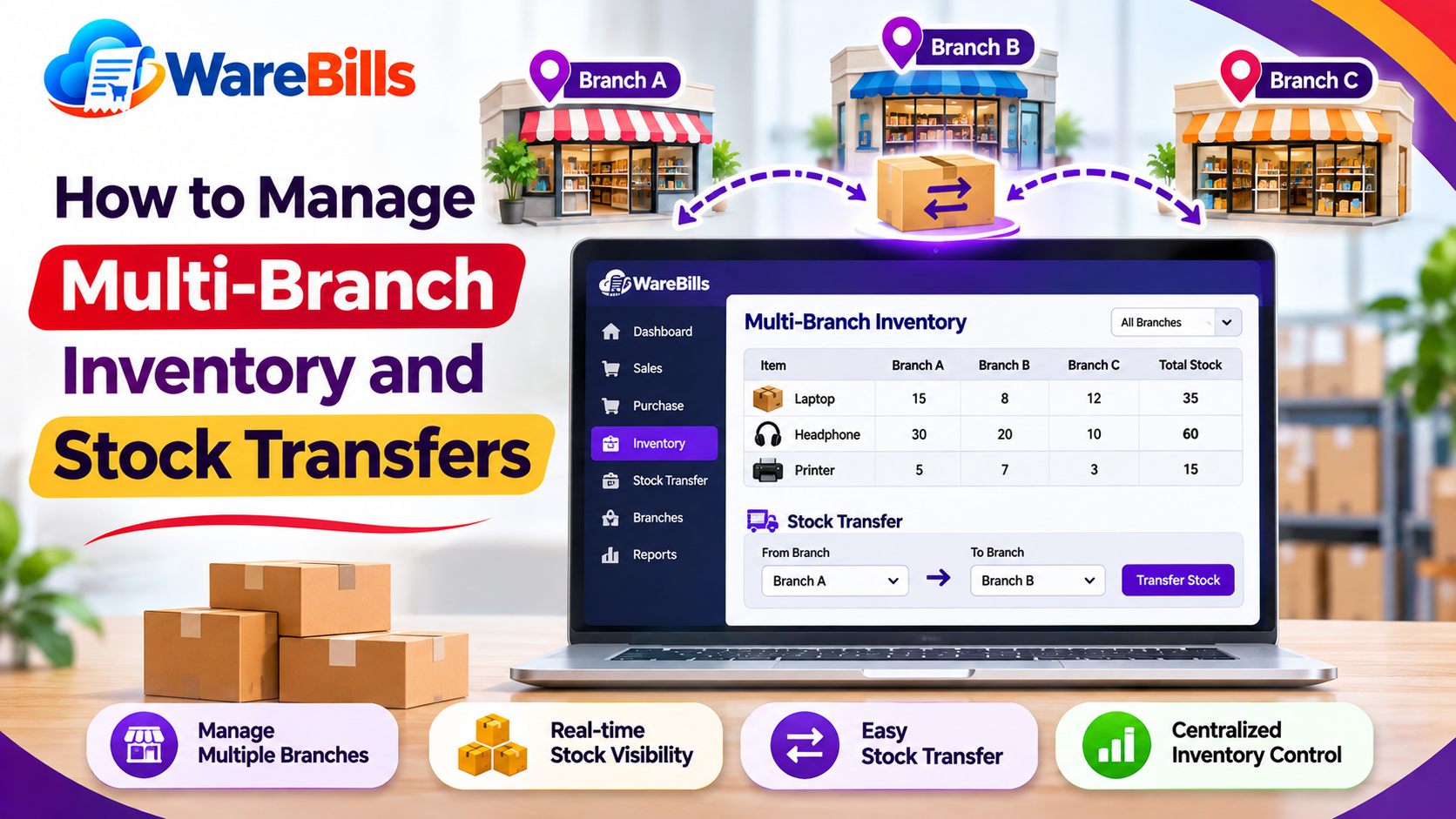
- Multiple locations, if your business operates more than one store or warehouse.
Confirm specific features with the software provider before implementation. For perishable products, verify that the solution supports the expiry and batch-level workflows your supermarket needs.
How WareBills Can Fit Your Supermarket Workflow
Supermarkets looking to organise billing and inventory records can explore WareBills to assess whether its available features match their operational requirements.
Before adopting any software, evaluate its product-level stock tracking, purchasing workflow, reporting and any required expiry or multi-location functionality. The right choice should help staff maintain accurate records without adding unnecessary complexity.
Conclusion
Effective supermarket stock management depends on understanding product movement, setting suitable reorder levels, controlling slow-moving inventory and preventing expiry-related losses. Regular stock counts and reliable transaction records help keep inventory accurate.
By reviewing sales patterns and establishing consistent replenishment processes, supermarkets can improve product availability, reduce avoidable wastage and make more informed purchasing decisions.