When these activities are handled through disconnected spreadsheets, notebooks or separate systems, businesses can face stock discrepancies, delayed billing, missed orders and difficulty reconciling payments.
A well-defined inventory and billing workflow helps distributors maintain accurate stock records, process transactions consistently and make informed purchasing decisions.
1. Maintain Accurate Product and Supplier Records
Every reliable inventory workflow begins with organised master data. Incorrect product names, duplicate records or inconsistent units can affect purchasing, billing and stock reports.
Maintain clear records for:
- Product names and unique product codes.
- Units of measurement and pack sizes.
- Purchase and selling prices.
- Applicable tax information.
- Supplier details and contact information.
- Customer details and billing information.
For example, if a product is purchased in boxes but sold in individual pieces, define the unit conversion correctly. Otherwise, stock quantities and invoice totals may become inconsistent.
Review product and supplier records periodically to remove duplication and correct outdated information.
2. Plan Purchases Based on Demand and Available Stock
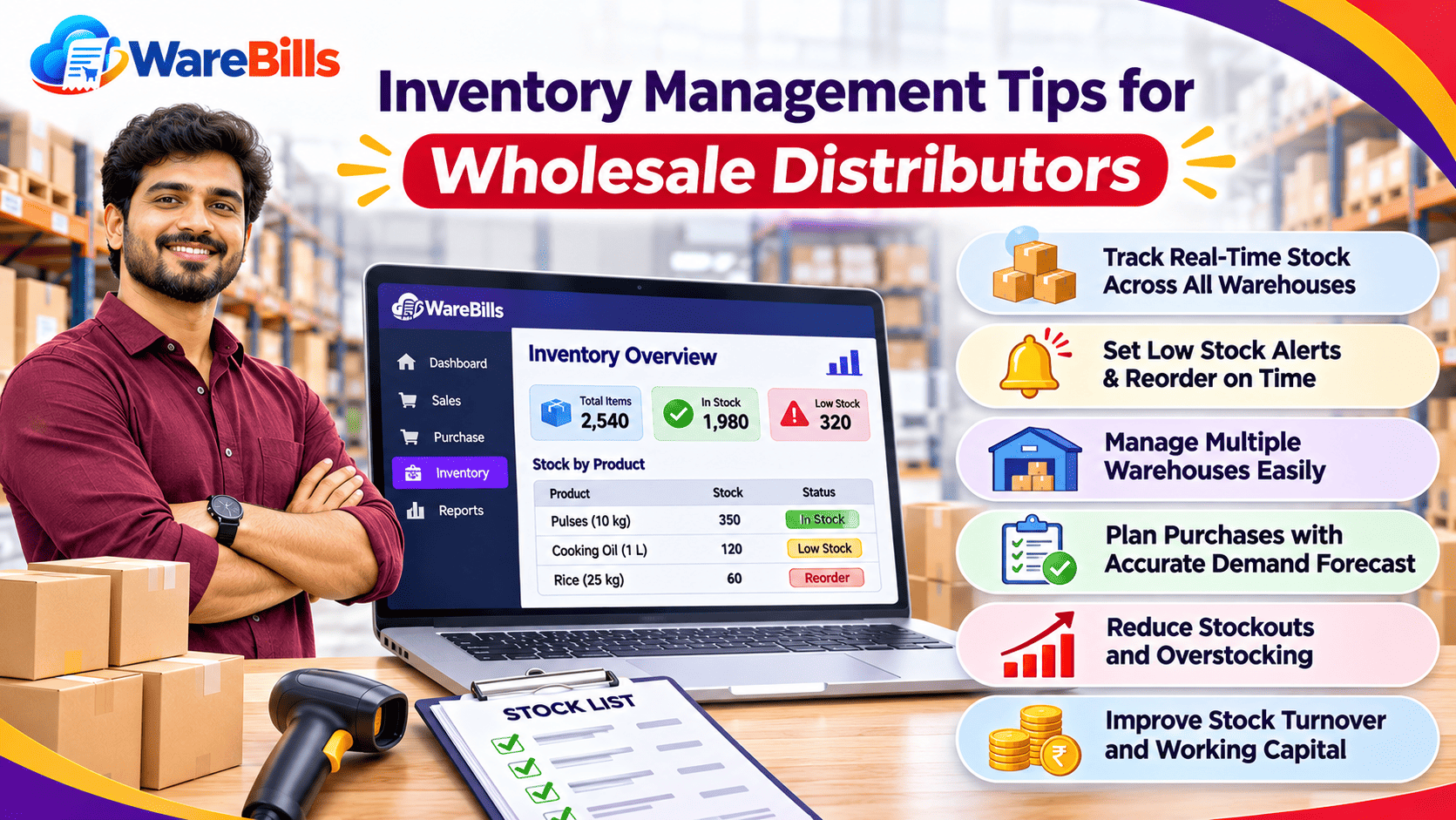
Distributors should not place purchase orders based only on the previous month's purchases. Decisions should consider sales trends, current inventory, supplier lead times and outstanding orders.
Before purchasing, review:
- Current available stock.
- Recent sales and demand patterns.
- Products approaching their reorder levels.
- Pending purchase orders and expected deliveries.
- Supplier minimum order quantities.
- Slow-moving or excess inventory.
For example, a distributor may have 500 units recorded in inventory, but 150 units may already be allocated to confirmed customer orders. The business should consider those commitments when determining how much stock is available for new orders.
A consistent purchasing process helps reduce both stockouts and unnecessary bulk purchases.
3. Verify Goods Received From Suppliers
The purchasing workflow should continue after an order is placed. Goods received must be checked before inventory records are finalised.
A practical receiving process includes:
- Compare delivered goods with the purchase order.
- Verify the product codes and quantities.
- Inspect products for damage or incorrect items.
- Check batch numbers or expiry dates where relevant.
- Record shortages and excess deliveries.
- Document accepted quantities and any discrepancies.
- Match supplier invoices with the relevant purchasing records.
If 100 units were ordered but only 95 arrive, the business should record the actual accepted quantity and follow up on the shortage instead of automatically recording 100 units as received.
4. Organise Warehouse Inventory
Distributors often store a large number of products, sometimes across multiple warehouses. Clear location records make it easier to find goods and fulfil orders.
Useful practices include:
- Assign clear product codes and storage locations.
- Keep similar products organised and distinguishable.
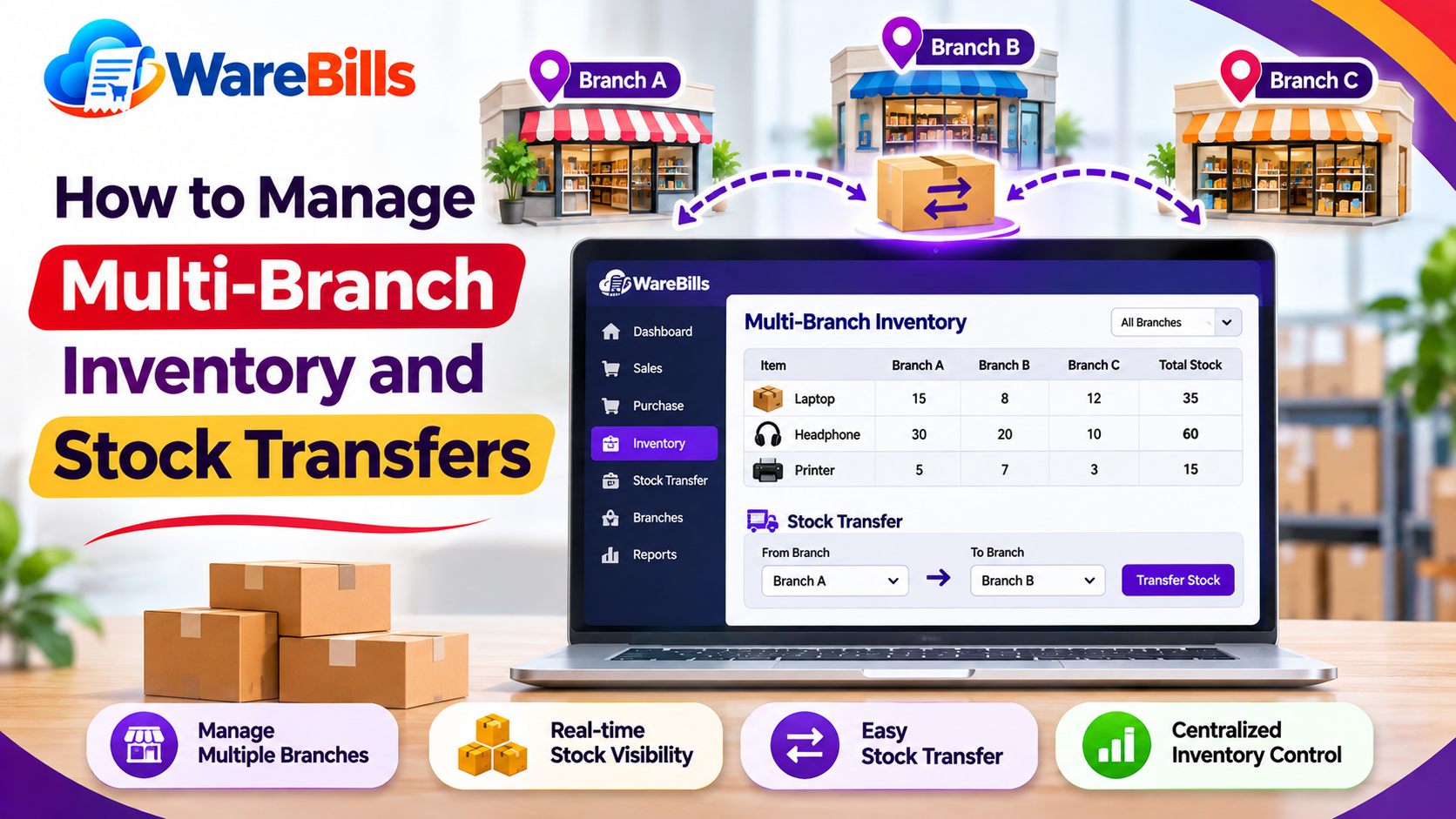
- Record warehouse transfers accurately.
- Separate damaged or unsellable goods from available stock.
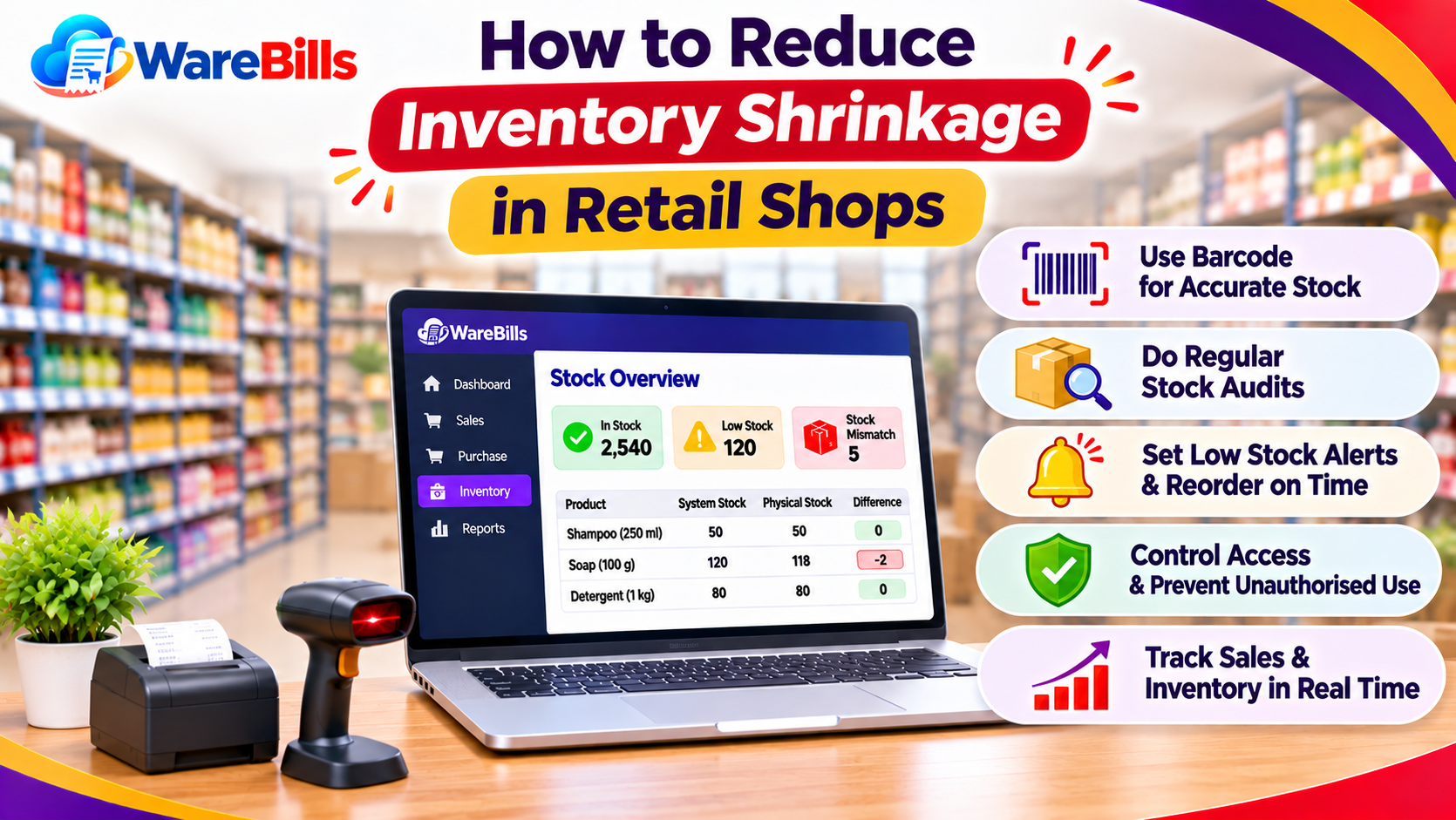
- Conduct regular physical stock checks.
- Investigate differences between physical and recorded quantities.
When goods move between locations, document both the dispatch and receipt. This helps avoid counting the same stock twice or losing visibility of goods in transit.
5. Process Customer Orders Before Generating Invoices
An organised sales workflow helps ensure that the correct products and quantities are delivered to customers.
A practical sequence is:
Customer order → Stock availability check → Order confirmation → Picking and packing → Dispatch → Sales invoice
Before confirming an order, verify the available quantity and any existing stock commitments.
For bulk orders, confirm product specifications, quantities, prices, delivery arrangements and applicable taxes. If a requested item is unavailable, communicate the shortage and agree on an alternative or revised delivery date.
Separating order confirmation from dispatch and invoicing can also help businesses identify where delays or errors occur.
6. Generate Accurate Sales Invoices
Sales billing should reflect the actual products, quantities, prices and agreed terms.
Before issuing an invoice, verify:
- Customer details.
- Product codes and descriptions.
- Quantities and selling prices.
- Discounts and additional charges.
- Applicable GST treatment.
- Taxable value and tax calculations.
- Final invoice amount.
- Delivery or dispatch details where relevant.
Maintain a consistent invoice-numbering process and ensure that completed sales transactions update the appropriate inventory records.
For credit sales, document the agreed payment terms so that the accounts team can follow up on outstanding balances.
7. Record Sales Returns and Purchase Returns
Returns must be recorded correctly to maintain reliable stock and financial records.
Purchase returns occur when goods are returned to a supplier. They may involve damaged goods, incorrect products or excess quantities.
Sales returns occur when a customer returns goods previously purchased from the distributor.
For each return:
- Identify the original transaction.
- Verify the product and quantity.
- Document the reason for the return.
- Inspect the goods.
- Update inventory according to the goods' actual condition and movement.
- Reconcile the supplier or customer balance.
- Apply the appropriate accounting and tax treatment.
Do not automatically add every returned product to sellable inventory. Damaged, expired or quarantined goods may require separate handling.
8. Track Customer Payments and Outstanding Balances
Distributors often provide credit to retailers and other customers. Without a consistent payment-tracking process, overdue invoices can affect cash flow.
Maintain clear records of:
- Invoice amount and date.
- Agreed payment terms.
- Amount received.
- Partial payments.
- Outstanding balance.
- Due date and overdue status.
- Credit notes or other valid adjustments.
For example, if a customer has an invoice of ₹50,000 and pays ₹30,000, the remaining balance is ₹20,000, assuming there are no other adjustments.
Reconcile payment records with bank or other payment confirmations and follow up on overdue accounts according to the business's credit policy.
9. Review Business Reports Regularly
Reports help distributors identify operational problems before they become larger issues.
The availability of these reports depends on the software used. Choose reports that support actual business decisions rather than generating reports that are never reviewed.
10. Common Workflow Mistakes Distributors Should Avoid
Several recurring problems can disrupt inventory and billing operations:
- Purchasing without checking existing stock.
- Recording goods received before verifying quantities.
- Using duplicate product records.
- Failing to record warehouse transfers.
- Generating invoices with incorrect quantities.
- Processing returns without referencing original transactions.
- Updating stock without documenting the reason.
- Failing to reconcile partial payments.
- Ignoring overdue customer balances.
- Delaying inventory reconciliation.
Assign clear responsibility for each stage of the workflow and establish a consistent process for correcting errors.
How Billing and Inventory Software Can Support Distributors
Billing and inventory software can help businesses organise product records, purchases, sales transactions and stock information in one workflow, depending on the features available.
When evaluating a solution, distributors should check whether it supports their actual requirements, including:
- Product-wise inventory tracking.
- Purchase and sales billing.
- Warehouse management, if required.
- Purchase and sales return workflows.
- Customer and supplier transaction records.
- Payment tracking and relevant reports.
- Tax configuration appropriate to the business.
Businesses can explore WareBills to assess whether its available billing and inventory features suit their distribution or dealership operations. Confirm the specific warehouse, payment, return and reporting capabilities required before adopting the software.
Conclusion
An effective inventory and billing workflow helps distributors and dealers maintain accurate stock records, process orders efficiently and manage payments more consistently.
By organising product data, verifying incoming goods, recording stock movements, issuing accurate invoices and reviewing business reports, distributors can reduce operational errors and improve visibility across daily activities.
Suitable billing and inventory software can support this process, provided its capabilities match the business's actual requirements.