Retailers and wholesalers need a practical way to determine when to reorder products and how much stock to keep available. Reorder levels and safety stock help businesses make these decisions using sales patterns, supplier lead times and inventory records.
With a consistent replenishment process, businesses can reduce avoidable stockouts while maintaining more balanced inventory levels.
1. What Is a Reorder Level?
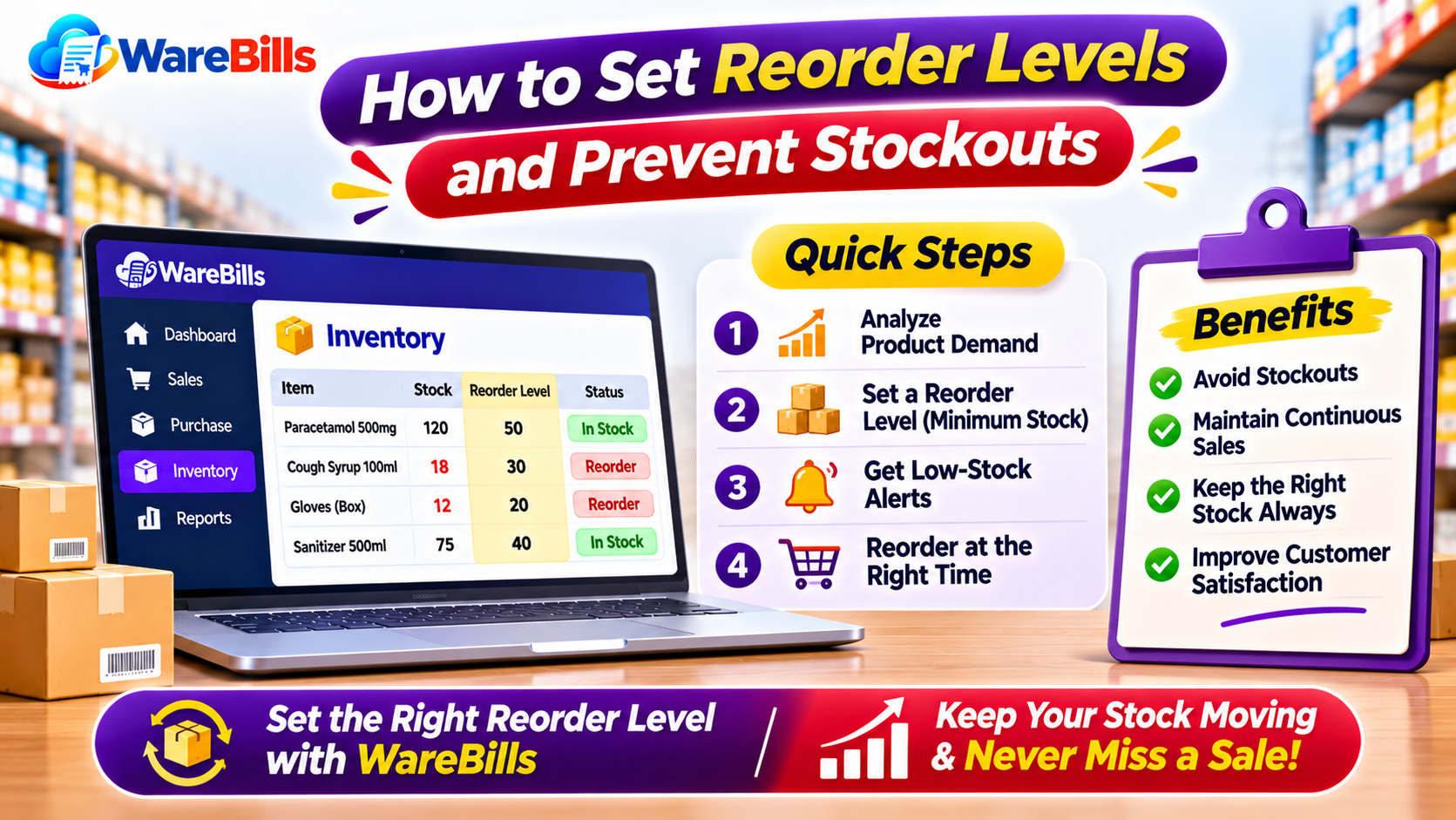
A reorder level, also called a reorder point, is the inventory quantity at which a business should review or initiate a replenishment order.
It helps answer an important question: When should we order more stock?
For example, if a shop sells around 10 units of a product each day and the supplier takes five days to deliver it, the business may need enough inventory to cover approximately 50 units of expected demand during that lead time, plus an appropriate safety buffer.
The correct reorder level depends on demand, supplier reliability, product importance and the business's stock policy.
2. Understand the Reorder Point Formula
A commonly used formula is:
Reorder Point = Average Daily Demand × Supplier Lead Time + Safety Stock
Where:
- Average daily demand: The average quantity sold or used per day.
- Supplier lead time: The time between placing an order and receiving usable stock.
- Safety stock: Additional inventory held to protect against unexpected demand or delivery delays.
Example calculation
Suppose a retailer has the following figures:
- Average daily sales: 12 units
- Supplier lead time: 5 days
- Safety stock: 20 units
Calculation:
Reorder point = (12 × 5) + 20
Reorder point = 60 + 20 = 80 units
When the relevant inventory position approaches 80 units, the retailer should review replenishment and place an order if appropriate.
In practice, consider stock already on order and any outstanding customer commitments. A business should not automatically order more merely because the physical quantity has reached a threshold if additional inventory is already expected.
3. Calculate Average Daily Demand Using Sales Records
Reorder decisions are more reliable when based on actual sales data rather than guesses.
A simple formula is:
Average Daily Demand = Total Units Sold During the Period ÷ Number of Days in the Period
For example, if a business sells 300 units over 30 days:
300 ÷ 30 = 10 units per day
However, averages can be misleading when demand changes significantly. Festival seasons, promotions, weather, school reopening and local buying patterns can affect sales.
To improve the estimate:
- Review recent sales history.
- Compare similar periods where seasonality matters.
- Identify unusual bulk orders or one-time events.
- Consider expected promotions and upcoming demand changes.
- Recalculate reorder levels periodically.
For products with irregular demand, a more detailed forecasting method may be appropriate.
4. Set Safety Stock to Handle Uncertainty
Safety stock is additional inventory held to reduce the risk of running out when demand or delivery time differs from expectations.
For example, a supplier may usually deliver within four days but occasionally require six days. Safety stock can help the business manage this variation.
When deciding how much safety stock to keep, consider:
- Variability in daily sales.
- Supplier delivery reliability.
- Product availability from alternative suppliers.
- The impact of a stockout.
- Storage costs and product shelf life.
- The cost of holding excess inventory.
There is no single safety-stock quantity that suits every product. High-demand essentials may justify a larger buffer than slow-moving or perishable items.
5. Consider Supplier Lead Time Carefully
Supplier lead time directly affects how early a business needs to reorder.
A product supplied locally may arrive within a day, while an item sourced from another State or an overseas supplier may take considerably longer.
Maintain supplier records that include:
- Typical delivery time.
- Actual delivery history.
- Minimum order quantities.
- Ordering schedules.
- Seasonal delays.
- Product availability and reliability.
Use actual delivery performance to estimate lead time rather than relying only on the supplier's original promise.
If delivery times increase, review reorder points promptly to avoid unexpected shortages.
6. Adjust Reorder Levels by Product Type
Different products require different inventory strategies.
Avoid applying the same reorder point to every product. Product-specific rules usually provide better control.
7. Monitor Inventory Position, Not Just Physical Stock
A common replenishment mistake is to consider only the number of units currently on the shelf.
A more useful measure is the inventory position:
Inventory Position = Available Stock + Confirmed Stock on Order − Outstanding Stock Commitments
The exact definition should match the business's inventory process. Some systems also account for reserved stock or other unavailable quantities separately.
For example, a shop may have 30 units available and 50 units arriving from a supplier. If there are no other commitments, its inventory position is 80 units—not just the 30 units currently on hand.
Checking inventory position can help prevent duplicate orders and unnecessary purchases.
8. Create a Regular Replenishment Routine
A simple routine makes reorder management easier for staff.
Daily
- Review low-stock and urgent items.
- Check fast-moving product availability.
- Investigate unexpected stock reductions.
Weekly
- Review products approaching their reorder points.
- Check outstanding purchase orders.
- Follow up on delayed deliveries.
- Review fast-moving and slow-moving products.
Monthly
- Recalculate demand estimates where necessary.
- Review supplier lead times.
- Adjust safety stock and reorder levels.
- Identify products that repeatedly experience shortages or excess inventory.
The frequency should match the business's sales volume and operational needs.
9. Common Reorder Level Mistakes
Businesses should avoid these common errors:
- Using outdated sales figures.
- Ignoring supplier delivery delays.
- Setting safety stock without considering demand variability.
- Reordering without checking existing purchase orders.
- Applying identical reorder levels to all products.
- Ignoring seasonal demand changes.
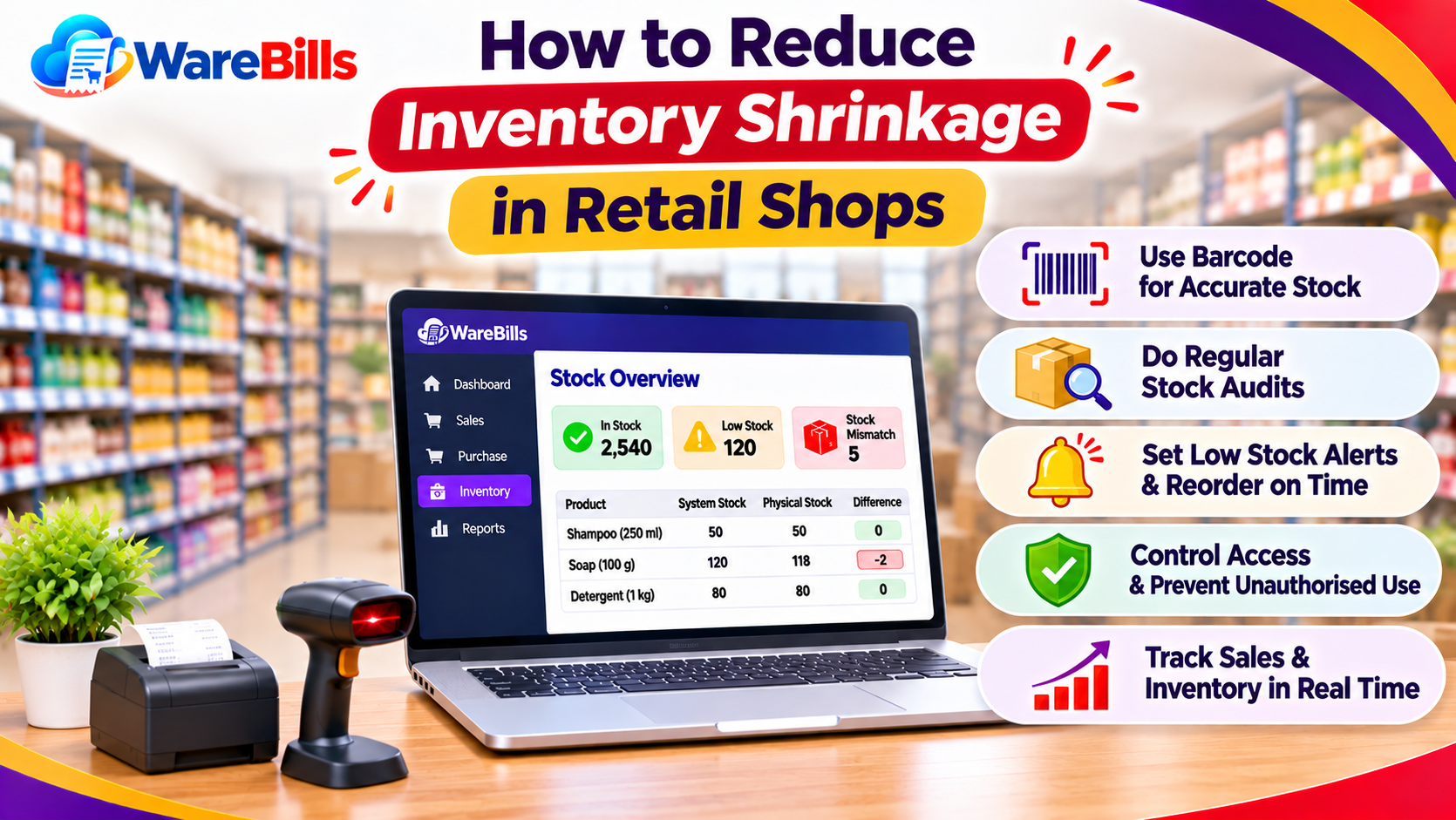
- Failing to record sales and returns accurately.
- Keeping excess stock of products with short shelf lives.
- Not reviewing repeated stockouts to find their root cause.
A reorder point is only as reliable as the inventory data and assumptions behind it.
10. How Inventory Software Can Help
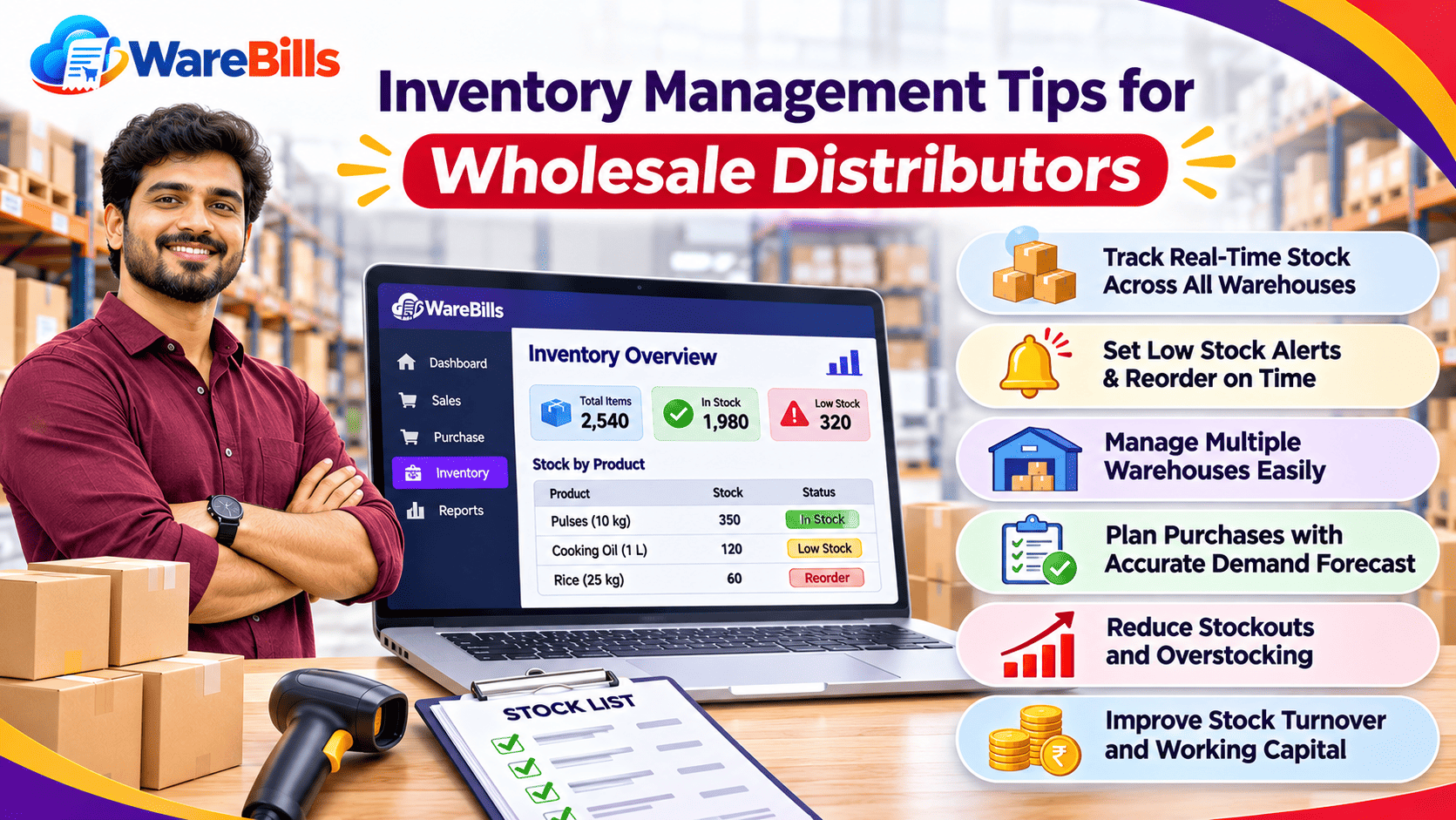
As the number of products grows, tracking reorder levels manually can become difficult. Inventory software may help businesses monitor recorded stock, review sales history and organise purchase information.
When evaluating a solution, check whether it supports the features your business needs, such as:
- Product-wise inventory visibility.
- Stock movement and sales reports.
- Low-stock alerts or reorder monitoring, if required.
- Purchase order tracking.
- Supplier records.
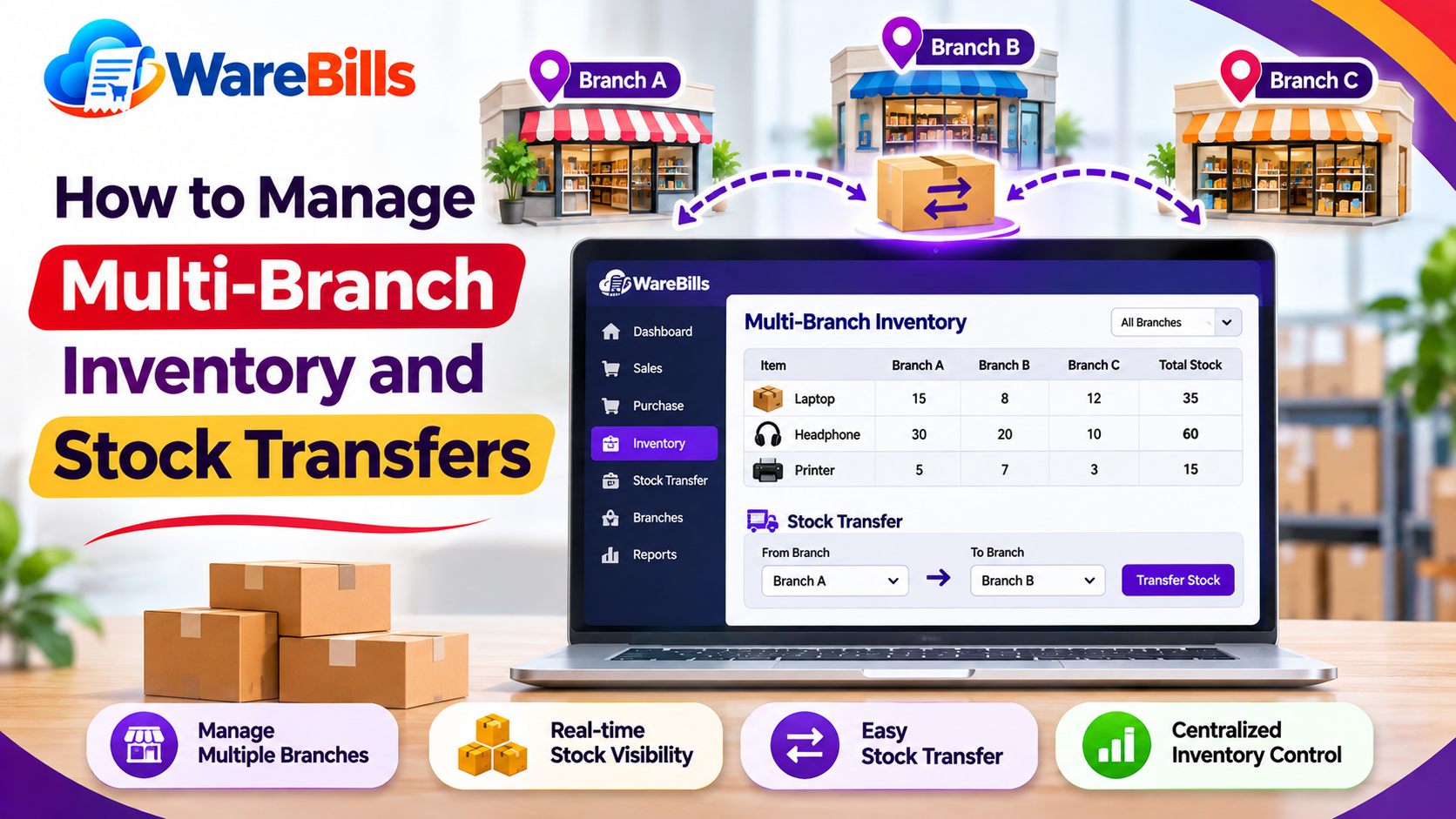
- Warehouse-wise stock tracking, where applicable.
Businesses can explore WareBills to evaluate whether its available inventory and reporting features fit their replenishment workflow. Confirm the exact reorder, alert and reporting capabilities before implementation.
Remember that software recommendations should be reviewed against real demand, supplier lead times and business priorities.
Conclusion
Reorder levels help retail and wholesale businesses decide when to replenish stock, while safety stock provides a buffer against uncertainty. Together, they can reduce avoidable shortages without encouraging unnecessary overstocking.
By using sales data, reviewing supplier lead times, monitoring inventory position and adjusting reorder policies regularly, businesses can improve product availability and manage working capital more effectively.