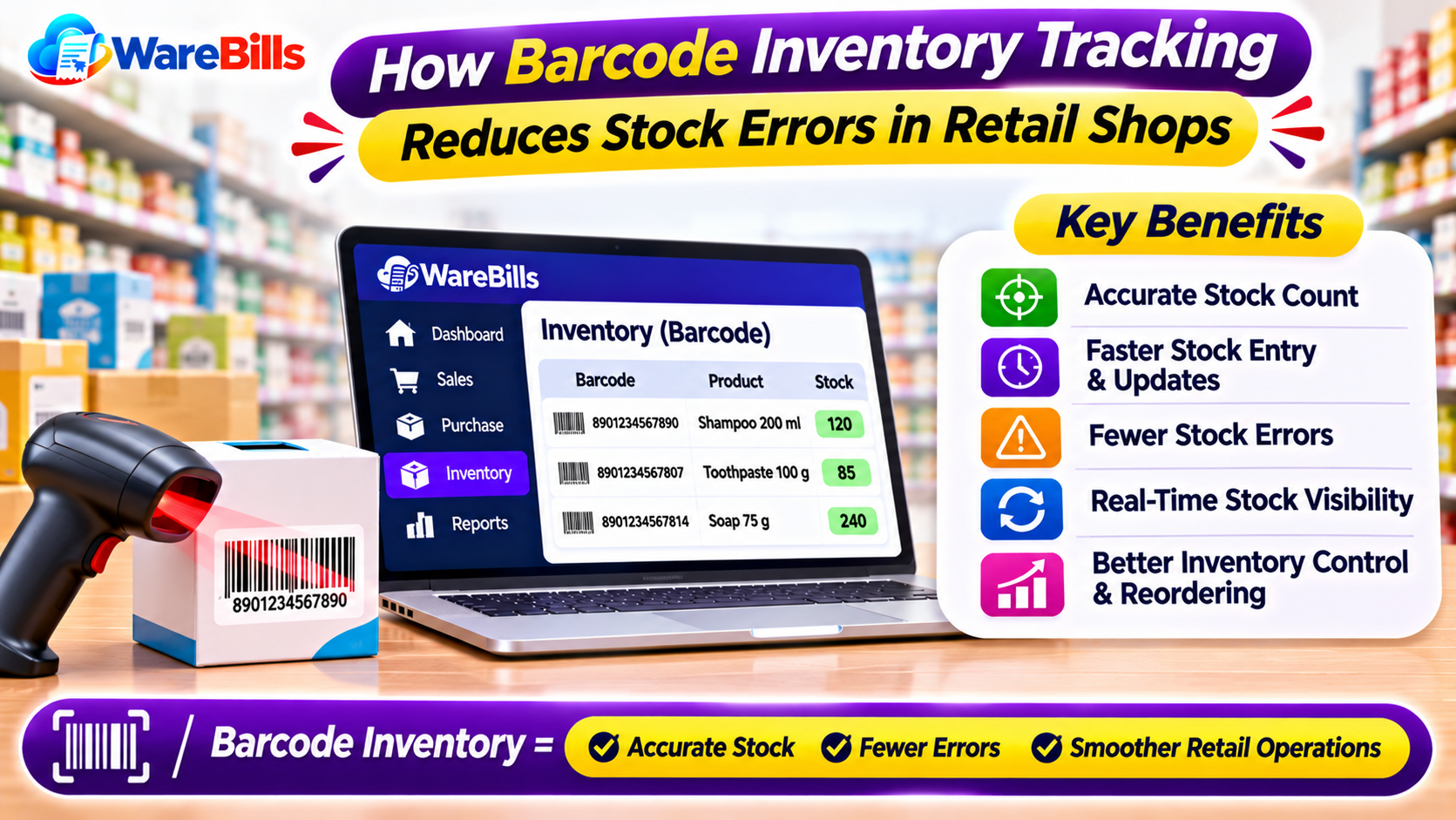
Barcode inventory tracking helps retailers identify products quickly and record stock movements more consistently. When combined with suitable billing and inventory management software, it can simplify product handling, improve billing accuracy, and make everyday shop operations more efficient.
For retail businesses in Tamil Nadu and across South India, barcode-based stock management can be especially useful as product ranges and transaction volumes grow.
What Is Barcode Inventory Management?
Barcode inventory management is a method of identifying products using machine-readable barcodes. A barcode scanner or compatible device reads the code and helps the software identify the associated product.
Depending on the system, scanning a barcode can support activities such as:
- Adding products to a sales invoice.
- Recording goods received from suppliers.
- Updating stock during purchases and sales.
- Identifying products during stock verification.
- Finding product information quickly.
- Supporting stock transfers and inventory adjustments.
Each barcode should be linked to the correct product record. Businesses must also ensure that products with different variants, sizes, or packaging are identified appropriately.
Why Retail Shops Face Stock Management Problems
1. Manual Data Entry Errors
Typing product codes, names, and quantities manually increases the chance of mistakes. An incorrect entry may affect invoices and inventory records.
2. Slow Billing at Busy Counters
Searching for products individually can delay checkout, particularly in supermarkets, grocery stores, hardware shops, and other busy retail environments.
3. Incorrect Stock Quantities
If sales, purchases, and returns are not recorded correctly, the quantity shown in inventory records may differ from the actual stock on the shelves.
4. Difficulty Identifying Similar Products
Products with similar names, packaging, or prices can be confused during billing and stock verification. Unique product identifiers help staff distinguish between them.
5. Time-Consuming Stock Verification
Counting products and comparing them against manual records can take considerable time. Barcode scanning can speed up the identification process when the inventory system supports it.
7 Benefits of Barcode Inventory Tracking for Retail Shops
1. Faster Product Identification
Staff can scan a barcode instead of searching through long product lists. The system can retrieve the linked product details, helping speed up billing and inventory operations.
2. More Consistent Billing
Scanning a product barcode can reduce typing errors when the correct barcode is linked to the correct product record.
Staff should still verify the product, quantity, price, and applicable tax details before completing the invoice.
3. Better Stock Visibility
When barcode scanning is connected to inventory transactions, businesses can maintain clearer records of stock received, sold, returned, or transferred.
Accurate stock visibility depends on recording all relevant transactions, including damaged goods and other adjustments.
4. Easier Stock Verification
During physical stock checks, employees can scan product barcodes and compare the identified items with inventory records, where supported by the software.
This helps businesses identify missing products, duplicate records, and quantity differences that require investigation.
5. Improved Purchase and Receiving Workflows
When new goods arrive, staff can scan products to identify them and record received quantities. Businesses should compare deliveries with supplier invoices and purchase orders rather than relying on scanning alone.
6. Better Management of Product Variants
Retailers selling products in different sizes, colours, flavours, or packaging can use appropriate barcode identifiers to distinguish variants.
For example, a garment shop may need separate product records for different sizes and colours, while a grocery shop may track different package sizes separately.
7. More Useful Inventory Reports
When barcode-based transactions are recorded accurately, inventory reports can help businesses review stock levels, sales movement, and products that may need replenishment.
The quality of these reports depends on correct product setup and consistent transaction recording.
How Barcode Inventory Tracking Works
A typical barcode inventory workflow follows these steps:
Step 1: Create Product Records
Add product names, codes, units, prices, tax details, and other relevant information to the inventory system.
Step 2: Assign or Record Barcodes
Link the appropriate barcode to each product or product variant. Existing manufacturer barcodes may be used when suitable, or businesses may generate their own labels where supported.
Step 3: Configure the Scanner
Connect a compatible barcode scanner or device and confirm that the software reads the barcode correctly.
Step 4: Record Purchases and Stock Receipts
Scan products during receiving when supported, verify the quantities, and record the stock transaction.
Step 5: Scan Products During Billing
Scan each item at checkout, confirm the quantity and displayed details, and complete the invoice.
Step 6: Verify Inventory Regularly
Perform physical stock checks and investigate differences between actual quantities and system records.
What Do Retail Shops Need to Implement Barcode Inventory Management?
Before implementing a barcode inventory system, retailers should evaluate the following requirements:
- Product master data: Accurate product names, SKUs, units, and variant details.
- Barcode labels: Readable and correctly mapped barcodes.
- Compatible scanning devices: Scanners or other devices supported by the software.
- Billing and inventory integration: Product scans should support the intended sales and stock workflows.
- Purchase and return handling: The system should accommodate the transactions relevant to the shop.
- Stock reports: Staff should be able to review inventory and investigate discrepancies.
- Staff training: Employees should understand scanning procedures and how to correct errors.
- Backup and access controls: Business records should be protected through suitable security and backup practices.
The right setup depends on the shop's product range, transaction volume, number of counters, and warehouse requirements.
How WareBills Can Help With Retail Billing and Inventory
WareBills offers billing and inventory management capabilities for businesses that want to organize product sales and stock-related workflows.
Retailers considering WareBills should review its available barcode, product management, billing, and inventory features to confirm compatibility with their preferred scanners and daily operations.
A suitable billing and inventory system can help retailers connect product records with sales transactions, maintain more consistent stock information, and simplify day-to-day business management.
Explore WareBills' relevant product features or contact the team to discuss the requirements of your retail business.
Conclusion
Barcode inventory tracking can help retail shops identify products faster, streamline billing, and improve stock record consistency. Its effectiveness depends on accurate product setup, compatible devices, proper staff training, and complete transaction recording.
By selecting suitable barcode inventory software and following consistent stock procedures, retailers can build a more reliable inventory management process as their business grows.