Managing these activities manually or through separate spreadsheets can become difficult as transactions increase. Errors in billing, stock quantities and purchase records may lead to delays, incorrect reports and avoidable business losses.
Billing and inventory software can help businesses organise these activities in one workflow, depending on the solution's available features.
But choosing the right software requires more than comparing prices. You need to understand your business requirements, evaluate essential features and check whether the system can support your future growth.
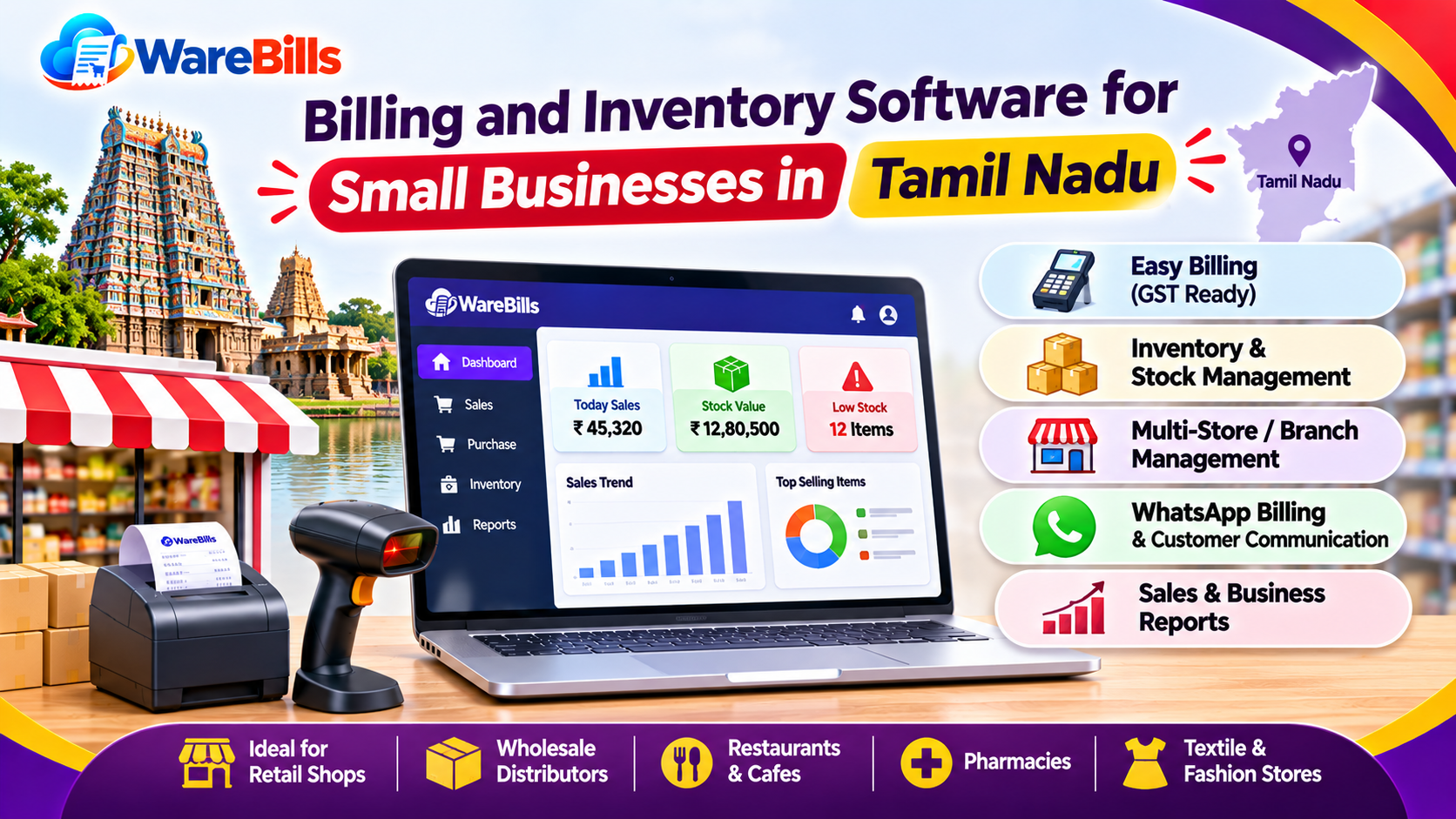
This guide explains how to choose billing and inventory software for a small business in Tamil Nadu.
1. Understand Your Business Requirements First
Before comparing software products, list the problems you want to solve.
A small retail shop may primarily need fast billing and accurate stock records. A wholesaler may require purchase management, customer credit tracking and stock visibility across multiple warehouses.
Consider the following questions:
- Do you sell directly to customers, other businesses or both?
- Do you need GST-compliant invoicing?
- Do you manage products with different sizes, colours, units or variants?
- Do you purchase goods from multiple suppliers?
- Do you need to manage customer credit and outstanding payments?
- Do you operate more than one shop or warehouse?
- Do you need barcode support or stock reports?
- How many employees need access to the system?
Write down your essential requirements before contacting vendors. This helps you avoid paying for features that are unnecessary while ensuring that important workflows are not overlooked.
2. Check Billing and Invoice Management Features
Billing is one of the most important functions for many retail and wholesale businesses.
The software should support the invoice types and transaction workflows your business requires.
Evaluate whether it supports:
- Sales invoices and purchase records
- Customer and supplier details
- Product descriptions, quantities and prices
- Applicable taxes and discounts
- Payment modes and transaction records
- Partial payments, where required
- Sales returns and credit notes, where applicable
- Invoice printing or sharing
- Invoice search and historical records
Test a realistic transaction instead of relying only on a product demonstration.
For example, create an invoice with multiple products, a discount, applicable GST and a partial payment. Check whether the displayed totals, saved records and payment balance are correct.
If you operate in Tamil Nadu, confirm that the software supports your actual invoicing requirements, including applicable intra-state and inter-state GST treatment.
3. Verify GST and Tax Requirements
Businesses that require GST invoicing should carefully evaluate the software's tax-related capabilities.
Check whether it can handle the transactions relevant to your business, including:
- Applicable GST rates and tax calculations
- Intra-state and inter-state transactions
- Taxable and exempt items, where applicable
- Discounts and adjustments
- Sales returns and purchase returns
- Required invoice details
- Relevant tax reports and export options
Do not assume that every product described as GST billing software supports every GST workflow.
Test representative transactions and confirm the output against your business requirements. For complex situations, consult a qualified tax professional.
Also verify whether any required GST return preparation, e-invoicing or e-way bill functionality is included, available through an integration or requires a separate service.
Software can support recordkeeping, but your business remains responsible for meeting applicable tax obligations.
4. Evaluate Inventory and Stock Management
Billing alone may not be sufficient if your business handles physical products.
Inventory management features help you understand what is available, what has been sold and what needs replenishment.
Look for the capabilities relevant to your operation:
Real-time stock updates: Check whether completed sales and purchase transactions update inventory as expected.
Purchase management: Review how supplier purchases and incoming stock are recorded.
Stock adjustments: Confirm how damaged, missing or corrected quantities are handled.
Returns management: Check how sales returns and purchase returns affect stock and transaction records.
Low-stock alerts: Determine whether the system can identify products approaching their reorder levels.
Stock reports: Check whether you can review current quantities and stock movement.
Product variants: If you sell garments or similar goods, verify support for sizes, colours and other required variations.
Warehouse management: If you store goods in multiple locations, confirm whether stock can be viewed and transferred location by location.
During a demo, sell one unit of a product and verify that the quantity changes correctly. Then test a return, a stock adjustment and a warehouse transfer if those workflows apply to your business.
5. Choose Software Based on Your Business Type
Different businesses have different operational requirements. Use your business model to narrow the options.
These are starting points rather than fixed requirements. Two businesses in the same industry may need different features depending on their size, transaction volume and workflow.
Choose a solution that fits the way your business actually operates.
6. Check Whether It Supports Multiple Warehouses
If your business stores goods in more than one warehouse or shop, verify that the software handles stock location correctly.
For example, a distributor might store products in a central warehouse and transfer them to a branch for local sales.
Check whether you can:
- View available stock by location
- Record transfers between warehouses
- Identify the destination warehouse for incoming stock
- Review location-wise stock reports
- Prevent or identify incorrect stock allocation
- Reconcile physical stock against system quantities
Test a complete transfer workflow. Confirm that the sending warehouse's stock decreases and the receiving warehouse's stock increases correctly.
Do not assume that a product's total quantity across all locations means the required stock is available at the branch where it is needed.
7. Compare Pricing and the Total Cost
The cheapest subscription is not always the most economical option for your business.
Review the complete cost of using the software, including any charges for setup, training, additional users, integrations, data migration or premium features.
Ask vendors:
- Is pricing monthly or annual?
- How many users are included?
- Are there limits on invoices, products or transactions?
- Are support and software updates included?
- Are backups or additional storage charged separately?
- What does it cost to add another branch or warehouse?
- Are essential reports and exports included in the selected plan?
- Can you export your data if you change providers?
Compare the total cost against the time saved, the errors reduced and the business requirements fulfilled.
Avoid selecting a plan based only on a low advertised starting price without checking the conditions.
8. Evaluate Ease of Use and Staff Training
Software should be practical for the employees who use it every day.
A system with many features may still be unsuitable if staff struggle to create invoices or record purchases accurately.
During a trial or demonstration, ask the employees who will use the system to complete common tasks.
For example:
- Search for a product.
- Create a sales invoice.
- Record a payment.
- Enter a purchase.
- Process a return.
- Check the current stock quantity.
- Generate a relevant report.
Observe how much training is needed and whether the workflow is clear.
Also confirm whether the software supports your preferred devices, printers, barcode scanners and other required equipment.
Tamil-language support may be helpful for some teams, but verify that the exact interface, documentation or support service you need is available.
9. Check Data Security, Backups and Support
Business records include important information about sales, purchases, suppliers and customers. Understand how the software protects and maintains this information.
Ask about:
- User roles and access permissions
- Backup frequency and restoration procedures
- Data export and recovery options
- Account security measures
- Data retention and deletion policies
- Support availability and response channels
- Procedures for handling service interruptions
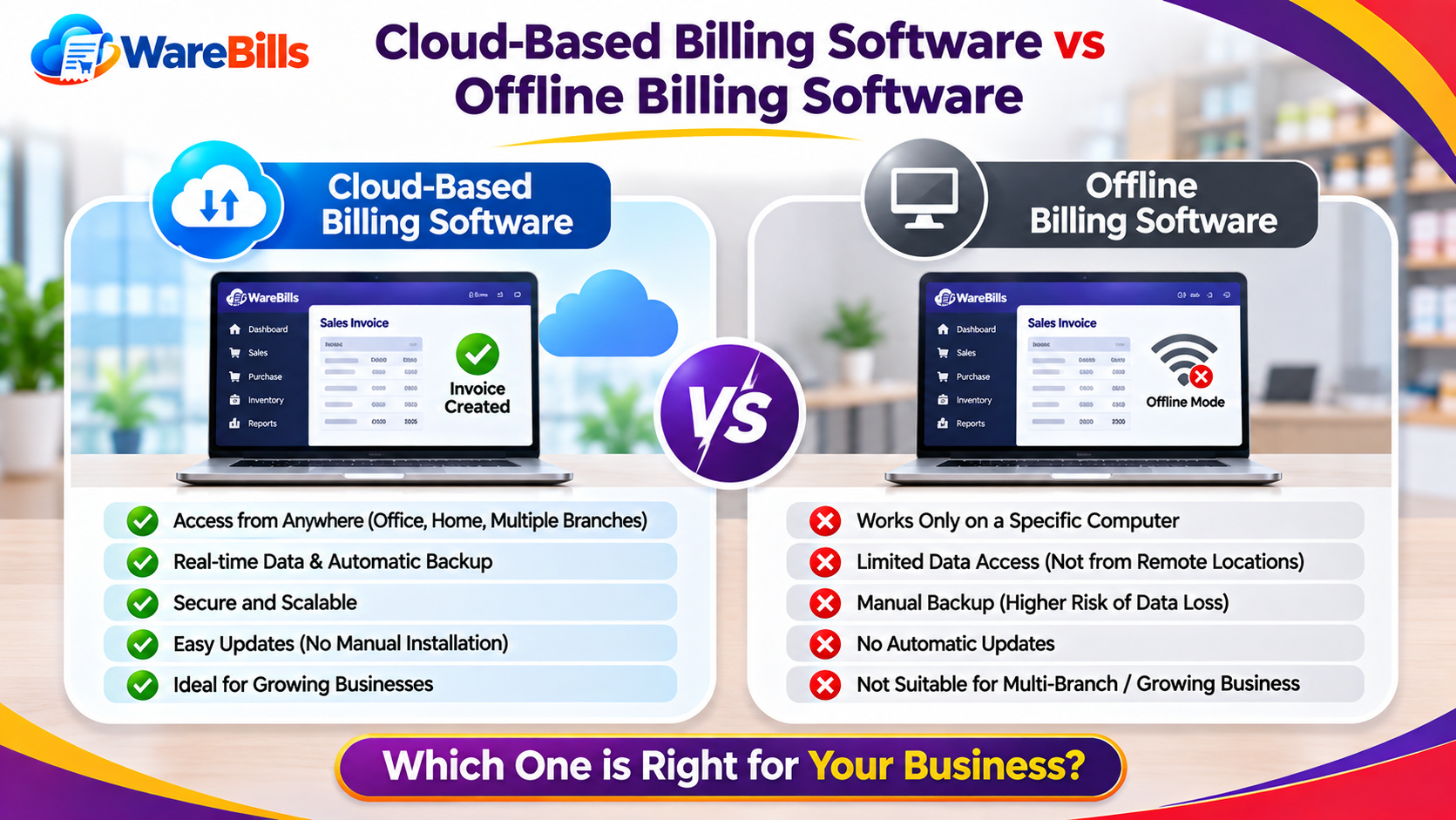
If the system is cloud-based, ask what happens when your internet connection is unavailable and whether any offline functionality exists.
Do not assume that a cloud service automatically supports offline billing or that every vendor provides the same backup and recovery arrangements.
Understand these limitations before moving your daily operations to a new platform.
10. Check Reports and Business Insights
Accurate reports help business owners review performance and identify problems.
Depending on your requirements, useful reports may include:
- Daily and monthly sales
- Product-wise sales
- Purchase history
- Current stock
- Stock movement and adjustments
- Fast-moving and slow-moving products
- Customer outstanding balances
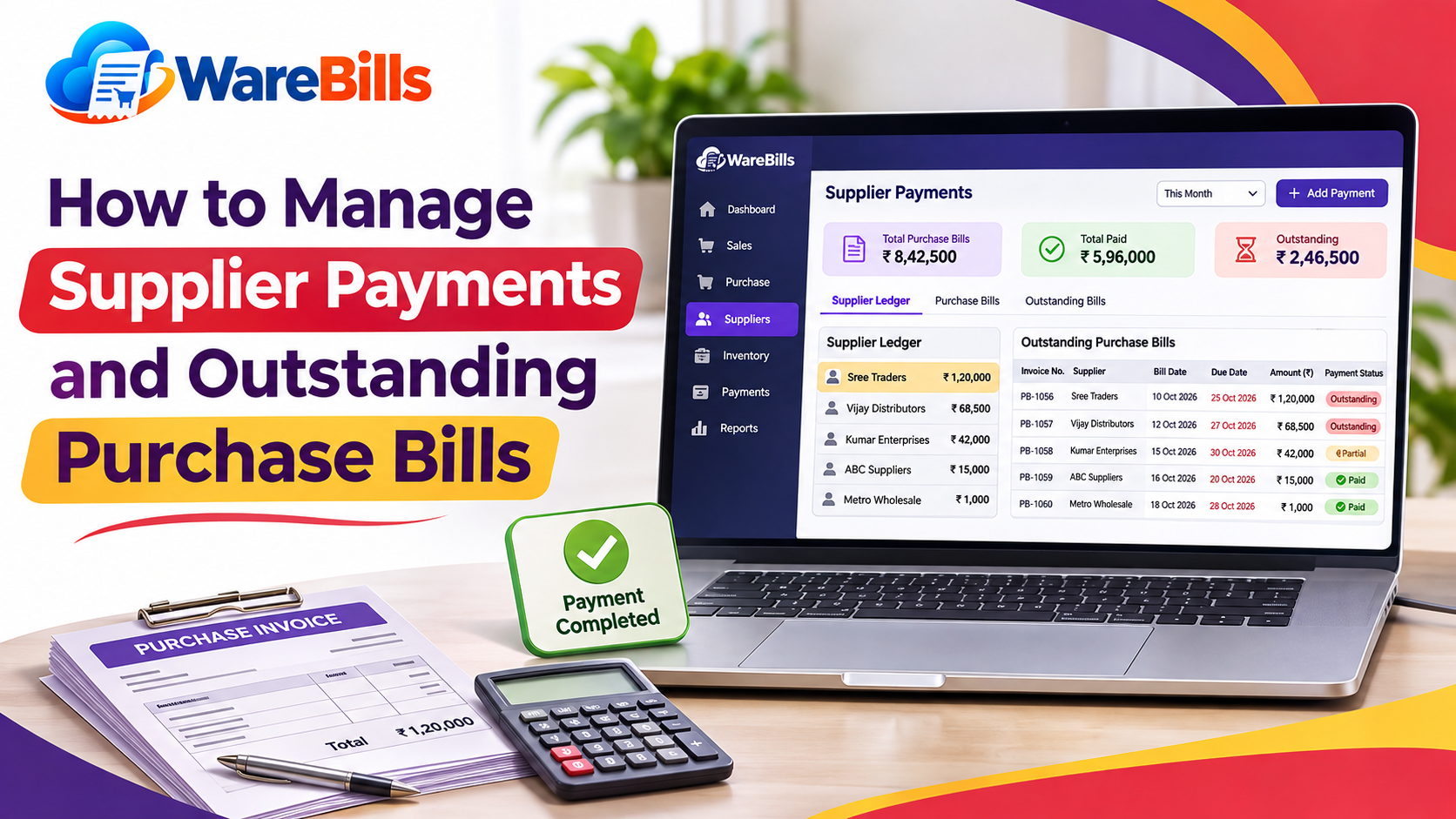
- Supplier outstanding balances
- Profit-related reports, where the software supports the required cost and transaction data
During the demo, verify how reports are calculated and whether you can filter them by date, product, customer or location.
Check whether the reports can be exported into formats your business uses.
Remember that report accuracy depends on correct data entry, transaction handling and configuration. A report should not be treated as reliable without checking its underlying calculations and assumptions.
11. Test the Software Before Making a Decision
A demonstration is useful, but testing your own workflows is more informative.
Prepare a small test dataset containing sample products, suppliers and customers. Then run through the transactions that matter most to your business.
Use this checklist:
- Create products and set opening stock.
- Enter a purchase transaction.
- Create a sales invoice with applicable taxes.
- Record a partial payment if required.
- Process a sales return.
- Adjust stock and review the reason recorded.
- Check stock quantities after each transaction.
- Generate sales and inventory reports.
- Test warehouse transfers if needed.
- Verify user permissions and data export options.
Compare the results with your expected calculations.
A trial should help you discover limitations before your business depends on the software for everyday operations.
12. Consider WareBills for Your Business Requirements
WareBills is a billing and inventory software option that businesses can evaluate when reviewing their daily sales and stock-management processes.
Before selecting WareBills or any alternative, compare its available features with your actual requirements, such as billing workflows, inventory records, reporting and warehouse management where applicable.
Ask for a demonstration of the specific tasks your business performs most frequently. Confirm plan limitations, pricing, required integrations, support arrangements and any advanced functionality you need.
The right choice is the solution that fits your workflows, provides reliable records and offers a practical path for your business to grow.
13. Common Mistakes When Choosing Billing and Inventory Software
Avoid these common selection mistakes:
Choosing based only on price: A low-cost plan may not include the features your business requires.
Ignoring inventory workflows: Correct billing alone does not guarantee accurate stock records.
Assuming every GST feature is included: Verify the specific tax-related workflows relevant to your business.
Skipping hands-on testing: A product demonstration may not expose problems in your own transaction process.
Overlooking data export: Confirm that you can retrieve your business records in a usable format.
Ignoring employee feedback: Staff usability can affect adoption and transaction accuracy.
Paying for unnecessary features: Prioritise essential workflows first and expand only when there is a clear need.
Failing to check support: Understand how you can get help if billing or inventory operations are interrupted.
A structured comparison helps you choose software based on business needs instead of marketing claims alone.
Conclusion
Choosing billing and inventory software is an important decision for small businesses in Tamil Nadu. The right solution should support your invoicing requirements, maintain accurate stock records, provide useful reports and fit your team's daily workflow.
Start by identifying your essential requirements. Compare GST and billing capabilities, inventory management, warehouse support, pricing, security and customer support. Then test real-world transactions before committing to a system.
For retailers, wholesalers and distributors evaluating WareBills, review its available features and compare them against your business checklist before making a decision.
A careful selection process can help your business improve recordkeeping, reduce avoidable errors and build a more organised foundation for growth.